

Overview
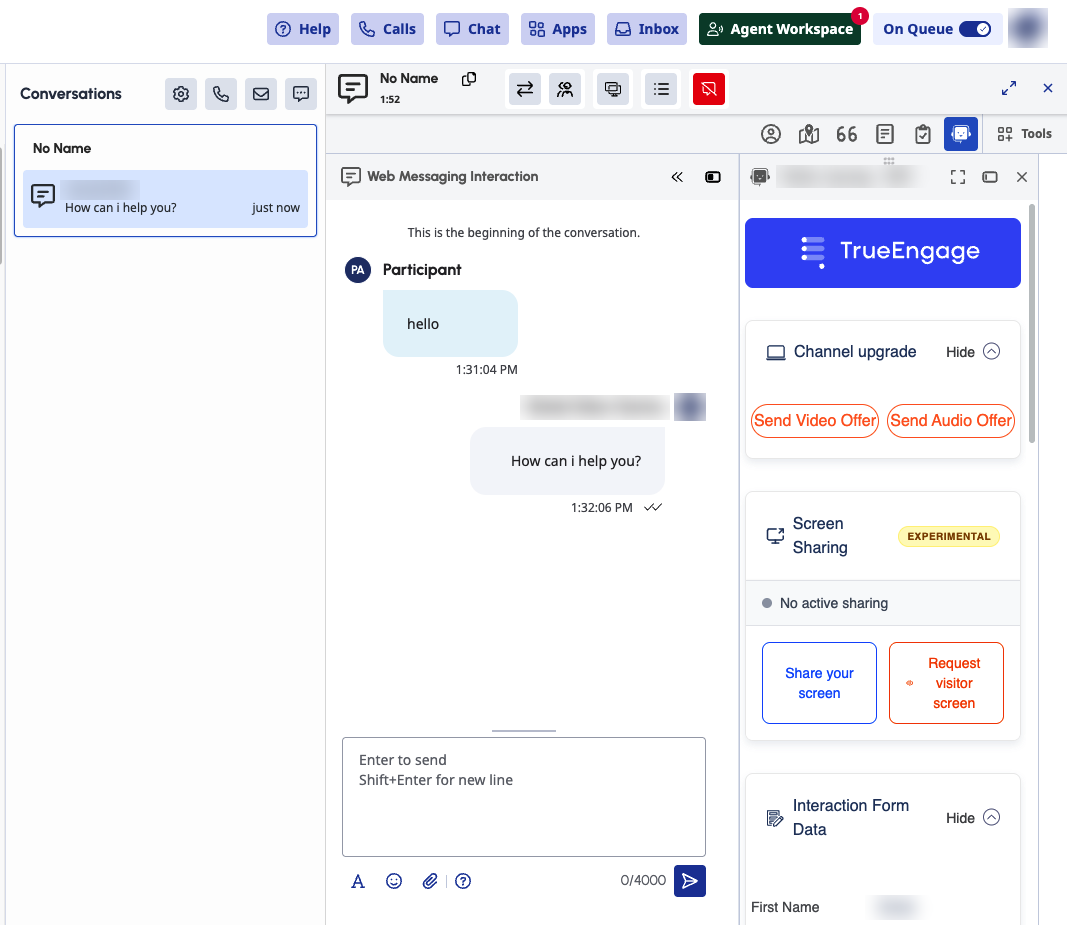
The TrueEngage Agent App is the TrueEngage interaction widget that agents see in Genesys Cloud during TrueEngage interactions. It shows who the visitor is and what they did, and it holds the controls to upgrade the interaction, share screens and set up video meetings.
Where agents find it
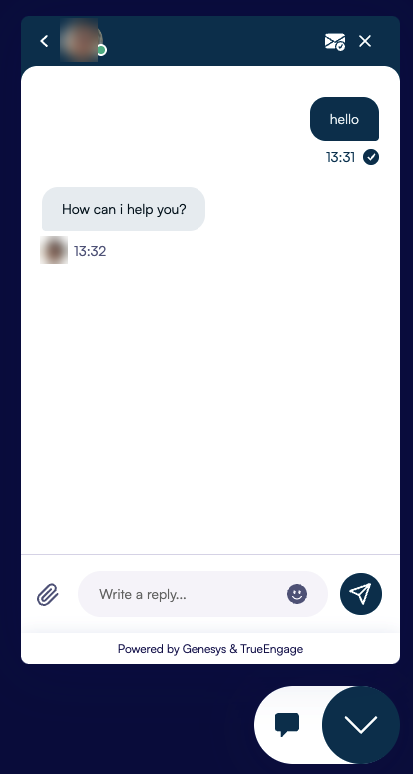
- The TrueEngage installation creates the Agent App as an interaction widget in Genesys Cloud. It opens next to interactions that come in through TrueEngage.
- Agents need to be in the TrueEngage agent group created at installation.
- Agents sign in to the Agent App with their Genesys Cloud account through single sign-on.
What agents see
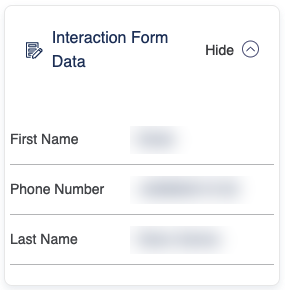
- Interaction Form Data: the visitor's pre-interaction form answers, such as name and phone number.
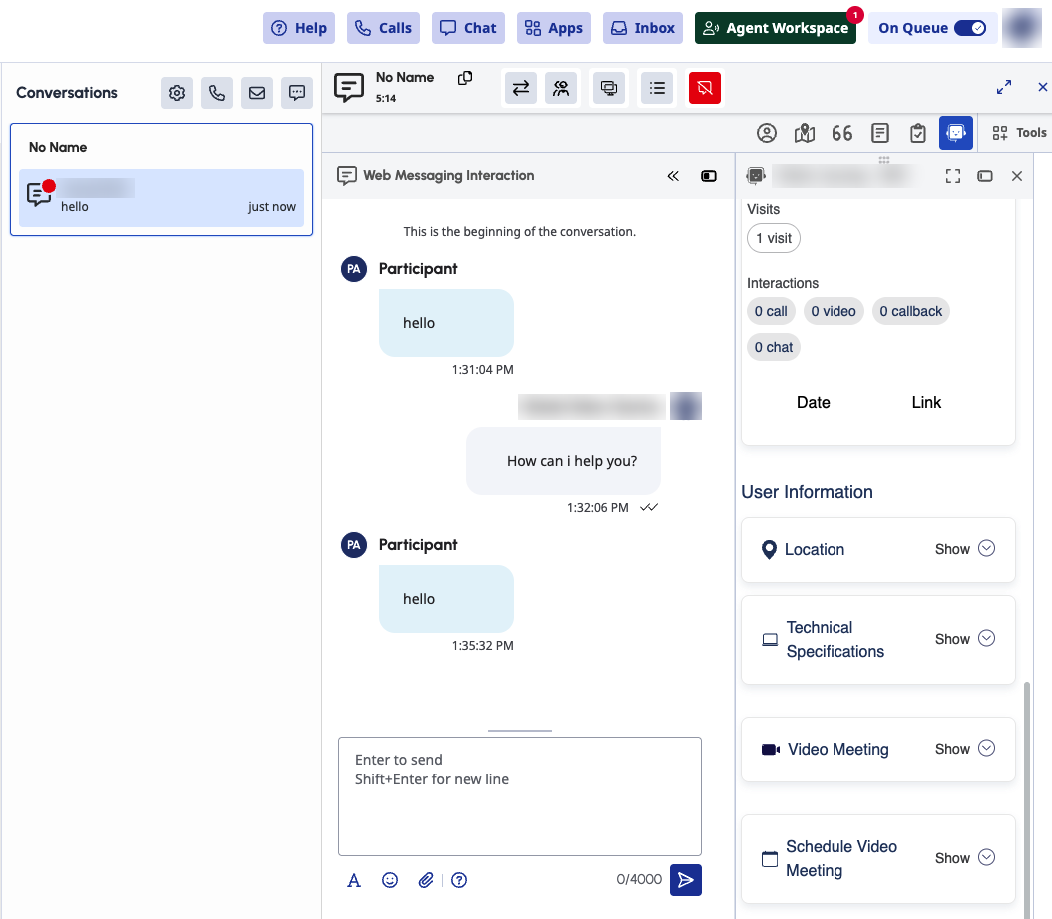
- Past user activity: when the visitor was last seen, their number of visits, and past interactions by type (call, video, callback, chat).
- User information: the Agent App also shows details about the visitor and their current activity on your website.
What agents can do
- Channel upgrade: during a chat, click Send Video Offer or Send Audio Offer. The chat stays open, and the audio or video is recorded together with it in Genesys Cloud.
- Screen sharing: click Share your screen to share with the visitor, or Request visitor screen to view theirs. Screen sharing is view and annotate only and needs a desktop or laptop browser.
- Video Meeting: start a video meeting and send the link to the customer in the chat.
- Schedule Video Meeting: book a meeting for the customer by choosing a day, part of the day and time slot, then entering the Customer ID.
- PSTN-to-video: during a phone call, send the customer an SMS with a one-time link. The video session joins the same call and the same agent.
PSTN-to-video and screen sharing are add-ons. See How does TrueEngage pricing work?
Other places it works
The Agent App can also be embedded in Salesforce and Microsoft Dynamics.
Notes
- Interactions stay queued, routed, recorded and reported natively in Genesys Cloud. The Agent App adds context and controls and does not change routing.
- Genesys Cloud also offers its own co-browse for chat and voice. TrueEngage screen sharing is a separate feature, available on interactions that start through the TrueEngage widget.
Related articles
- Configuring the Genesys Cloud OAuth Client for TrueEngage Agent Application
- Overview of TrueEngage Video Escalations for Genesys Cloud
- TrueEngage Screen Sharing for Genesys Cloud
- PSTN2Video Upgrade
- Scheduled Video Meeting (WebRTC)
- How to collect customer data before an interaction
- Recording Chat Upgrade to Audio/Video