To configure the WebRTC Voice channel, set the following options:
-
DID assignment – Locate the displayed DID in Genesys Cloud and assign it to the appropriate Call Flow. The system indicates whether the number is assigned or not.
-
Use your own number for mobile visitors – When enabled, website visitors using a mobile device will place a call from their phone number instead of using WebRTC.
-
Schedule group – Optional. Learn more about checking the schedule group.
-
Estimated waiting time – Optional. Learn more about estimating waiting time.
-
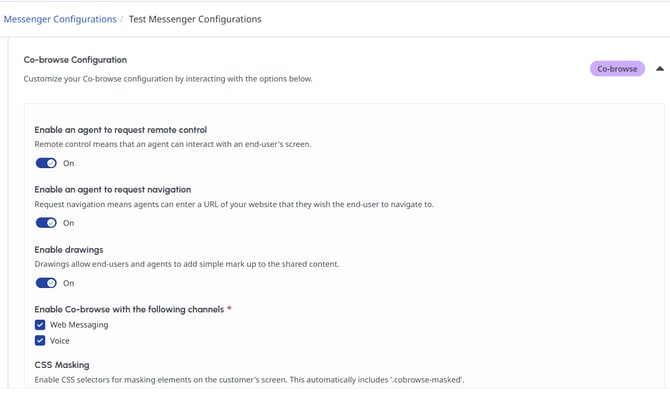
Voice co-browse – Optional. When enabled, select the Messenger Deployment from which co-browsing permissions and settings will be applied.
-